
Walls with exact measurements
Click corner by corner, or type a length. Walls join up by themselves and snap to right angles.
Features
From the first wall to the final export: Dinoplan is a floor plan maker built for people who draw up houses every week. Fast, accurate and in your client’s branding.
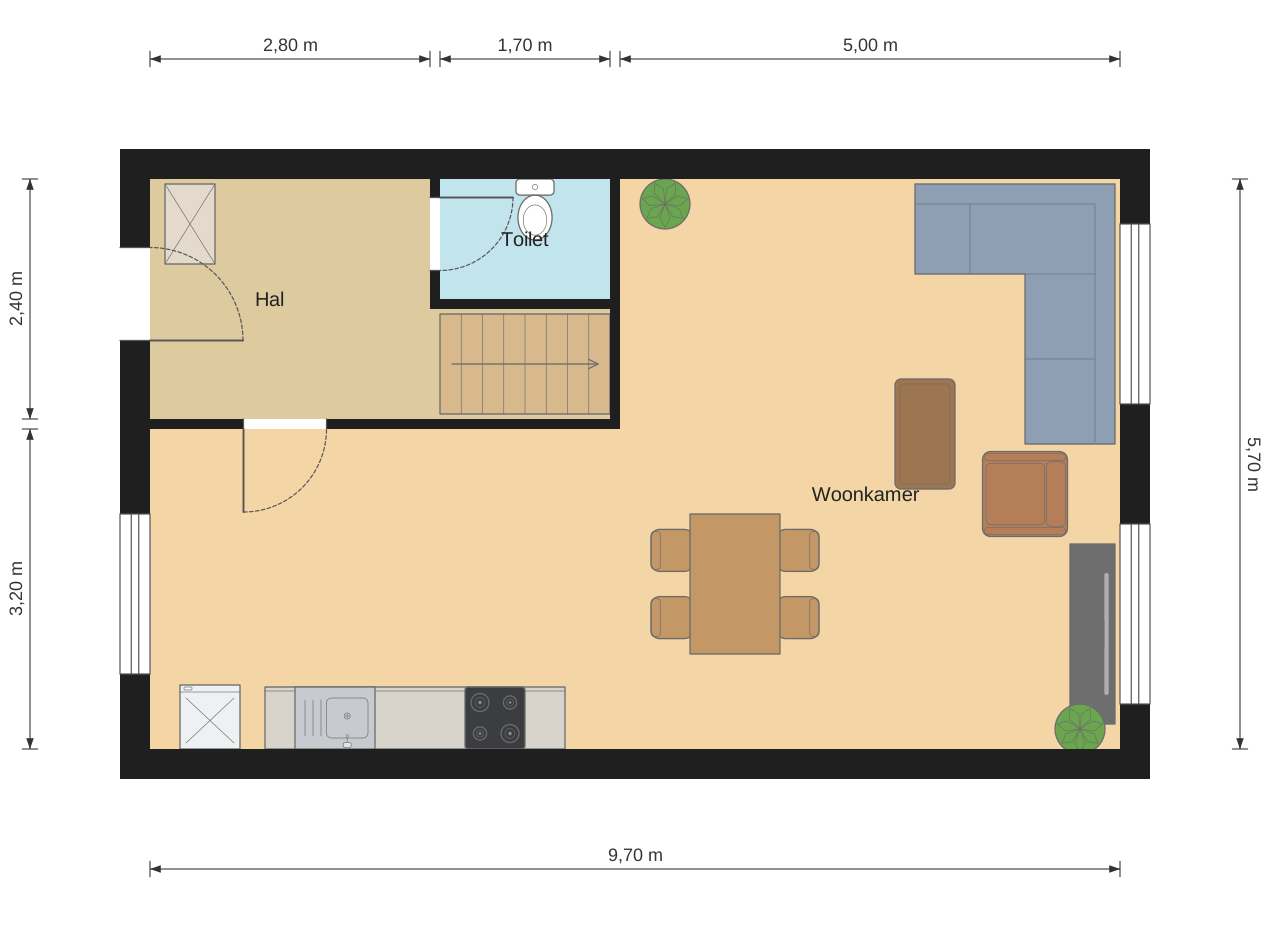
Drawing
Click corner by corner, or type a length. Walls join up by themselves and snap to right angles.
Type 300×400, for example, and the room is there with the right internal dimensions.
Drag them onto a wall and make them wider or narrower with the handles. Choose a swing direction or a sliding door.
Upload an existing drawing as a PDF or photo, set the scale with one known measurement and draw over it.
Ground floor, upper floors, attic and outbuildings in one project. The storey below shows as a light shadow.
Everything can be undone without limit, and your work is saved automatically.
Rooms and areas
As soon as walls enclose a room, Dinoplan calculates its internal area. Give the room a type and a name, and tick one box to put an area table on the PNG or PDF.
A full report according to NEN 2580, the Dutch standard for measuring floor areas, is in development.
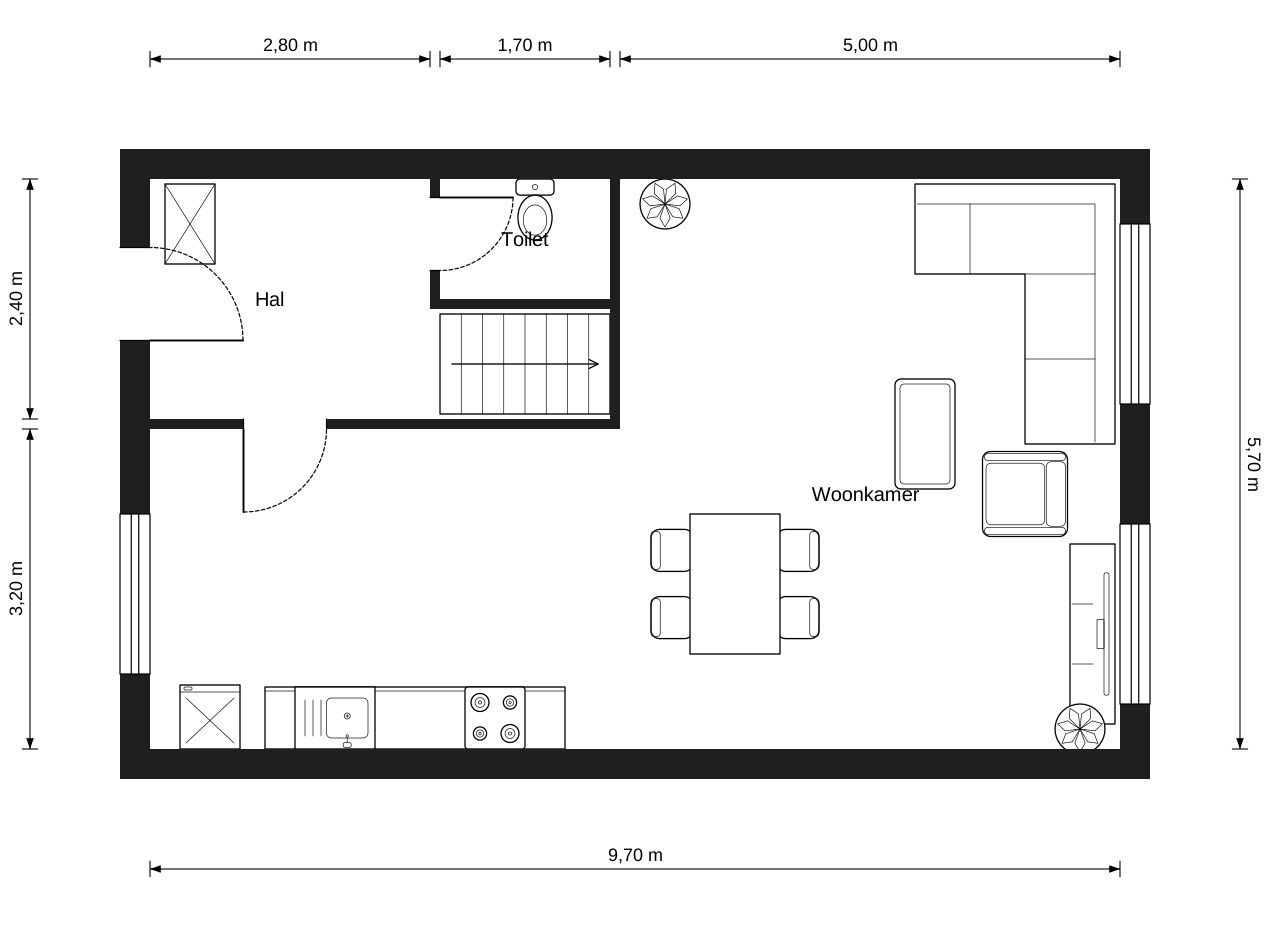

3D
One click switches to 3D. Orbit around the house, look from above or save a viewpoint as an image.
Branding
Save a style per agency or client and switch with one click. The same drawing, always in the right look.
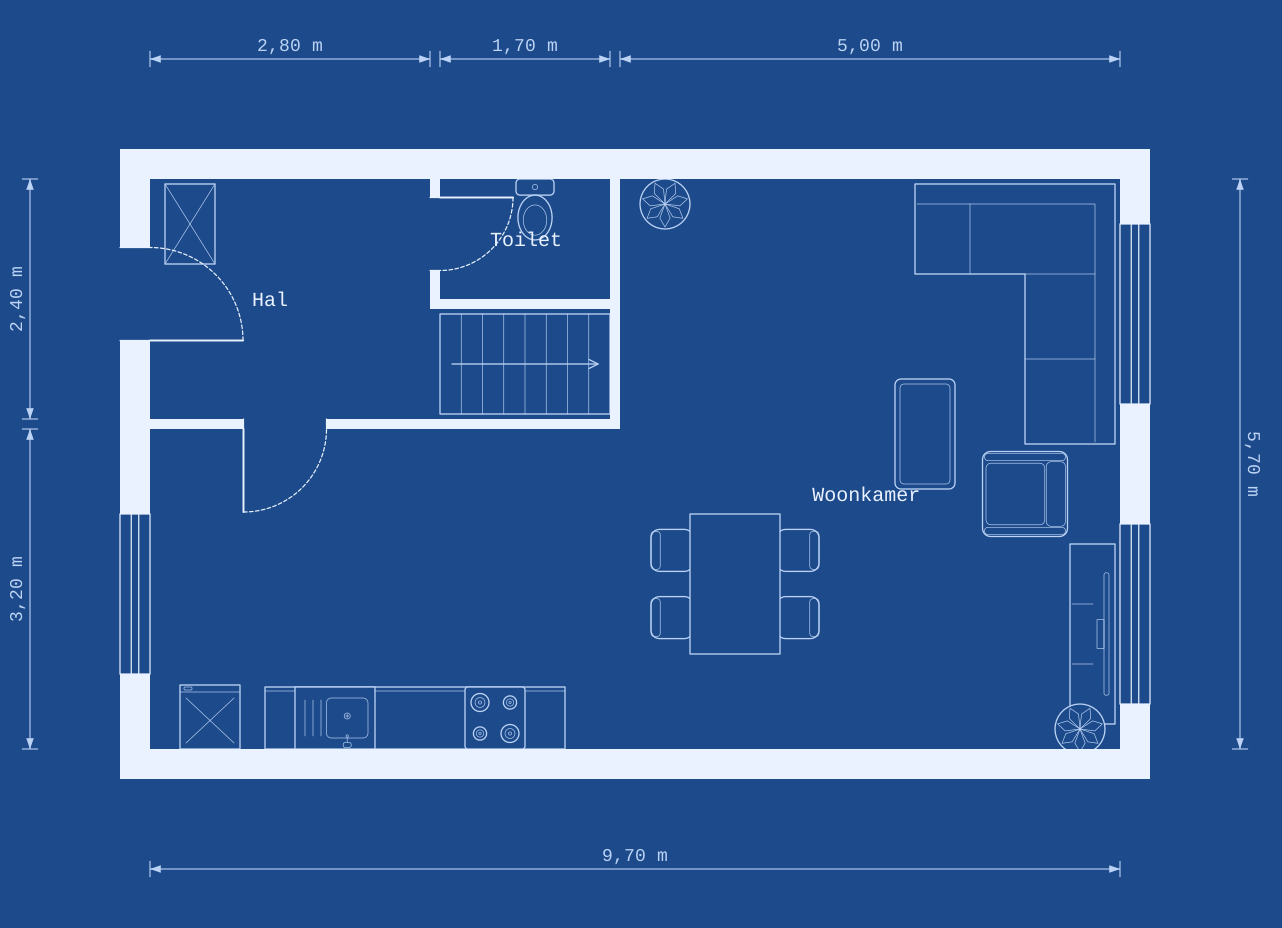
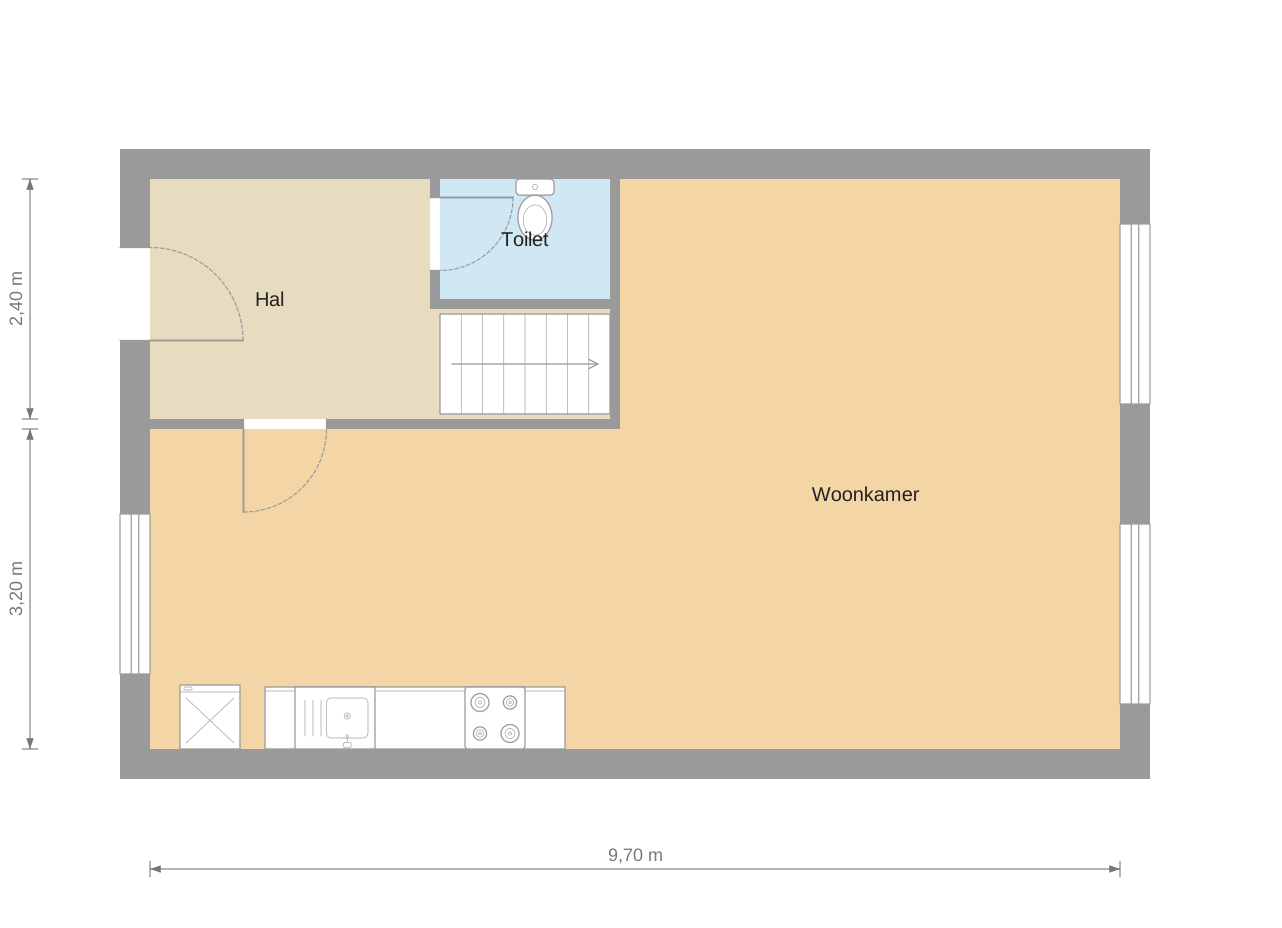
Living room, kitchen, bathroom, outdoor space: each type its own colour, or a material such as wood or tiles.
Put your client’s logo on the export and choose the font and text size.
Keep a set of furniture with fixed colours per style, so you place it in the drawing with a single drag.
Export and import
Images up to 8,000 pixels wide, or SVG for crisp enlargements.
One or more storeys in a PDF, with the address and optionally an area table.
Export to FML, the floor plan format developed by Floorplanner and used by property portals such as Funda in the Netherlands.
Import FML files from Floorplanner and simply carry on.
All your projects in one place, with search by address or client, a recycle bin and a backup in a single file.
See per month and per client how many floor plans and square metres you made, as a CSV for your invoicing.